We are happy to announce that video calls that use H.264 video codec can now be recorded. Recorded video calls that use H.264 will be stored as mp4 files (calls with video in VP8 format are stored as webm files).
Now Unity developers can use the SDK to embed real-time voice and video communication into VR/AR apps and games in minutes, we will take care of complexity and infrastructure.
Your mp3 or ogg files played on VoxEngine scenario level with call.startPlayback or using Player will be played on the Web or Mobile SDK side in HD quality (48KHz), or on SIP side if it does support wideband audio codecs (Speex or Opus).
We chose 48 KHz as the base sample rate for HD audio recorder, since WebRTC/Opus can offer this quality, audio from endpoints with lower sample rate will be re-sampled.
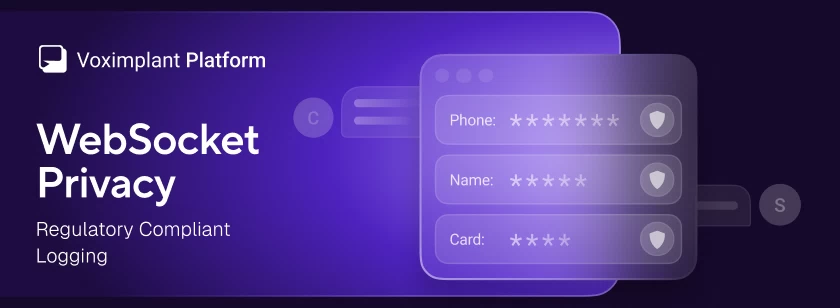
Voximplant has added a WebSocket privacy option that redacts message payloads from logs across all WebSocket-based services – Voice AI connectors and external speech system – and speech control modules
Voximplant has new realtime speech generation for voice AI from Inworld, our latest Voice AI text-to-speech (TTS) partner. Together, we combine state-of-the-art TTS with carrier-grade connectivity so you can build voice agents that sound like your brand, not a generic robot.
Connect any OpenAI-compatible text LLM to your voice AI pipeline in VoxEngine via Chat Completions or Responses API. Set baseUrl to any provider or your own deployment, including EU endpoints for data residency
Voximplant now includes a native MCP Client for VoxEngine, giving developers direct connectivity to any MCP server and full control over every tool call
Voximplant now includes a native Grok module that connects any Voximplant call to xAI’s Grok Voice Agent API for real-time, speech-to-speech conversations. With a single VoxEngine scenario, you can interact via audio with Grok over phone numbers, SIP trunks and infrastructure, WhatsApp Business, or WebRTC into Grok — all without building custom media gateways or WebSocket streaming infrastructure.




 2017-05-02
 136361