Companies conduct phone surveys both to identify market trends and improve the customer experience. In this case, voice bots are an appropriate option since their implementation takes less time and frees up operators for more complex tasks
Each online shop is willing to increase its conversions. How to achieve this? A shop may have well-organized business processes, from engaging advertising content to the large coverage of well-tuned targeting ads.
The Voximplant Kit now includes a new scenario autosave feature. Now you don’t have to worry that some changes you made to the scenario might be lost if you forgot to save these changes.
This update brings a new user interface crafted by our UX experts, along with new tools and features for even smarter call processing automation. Let’s walk through the major changes.
Voximplant Kit will soon have a new and improved IVR block with faster and more accurate speech synthesis and recognition. Learn more about the improvements.
Voximplant now includes a native MCP Client for VoxEngine, giving developers direct connectivity to any MCP server and full control over every tool call
Learn how a Voice AI Orchestration Platform connects LLMs, STT/TTS, turn‑taking, and telephony (PSTN, SIP, WebRTC) to build reliable real‑time voice agents. See benefits, architecture, and how Voximplant helps.
Voximplant now includes a native Cartesia module for streaming, low-latency text-to-speech (TTS). You can use a single VoxEngine API to synthesize speech in real time, connect it to any call (PSTN, SIP, WebRTC, WhatsApp) and control playback from a Large Language Model (LLM) or other source, all inside VoxEngine.
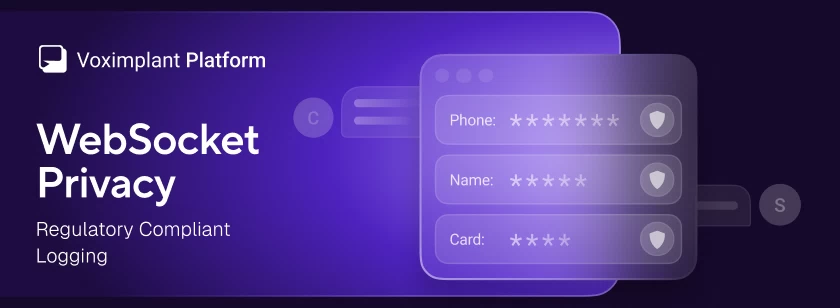
Voximplant has added a WebSocket privacy option that redacts message payloads from logs across all WebSocket-based services – Voice AI connectors and external speech system – and speech control modules
A practical guide to running a compliant voice AI stack on Voximplant: EU data residency, compliance documentation, and what to verify at each layer — telephony, LLM, STT, and TTS
Voximplant now includes a native Grok module that connects any Voximplant call to xAI’s Grok Voice Agent API for real-time, speech-to-speech conversations. With a single VoxEngine scenario, you can interact via audio with Grok over phone numbers, SIP trunks and infrastructure, WhatsApp Business, or WebRTC into Grok — all without building custom media gateways or WebSocket streaming infrastructure.
Connect any OpenAI-compatible text LLM to your voice AI pipeline in VoxEngine via Chat Completions or Responses API. Set baseUrl to any provider or your own deployment, including EU endpoints for data residency




 2020-06-02
 69339
69339