New Features in Voximplant Kit: Update overview. We are constantly working to improve our product to make it easier to use and more effective for you. In this update, we have added several useful features. Here’s what’s new:
Sign Up for a free Voximplant developer account or talk to our experts
Voximplant now includes a native Grok module that connects any Voximplant call to xAI’s Grok Voice Agent API for real-time, speech-to-speech conversations. With a single VoxEngine scenario, you can interact via audio with Grok over phone numbers, SIP trunks and infrastructure, WhatsApp Business, or WebRTC into Grok — all without building custom media gateways or WebSocket streaming infrastructure.
Voximplant now supports Inworld's Realtime API, so you can bring Inworld's expressive, conversation-aware agents into real phone calls, SIP, and WhatsApp without custom media infrastructure
A practical guide to running a compliant voice AI stack on Voximplant: EU data residency, compliance documentation, and what to verify at each layer — telephony, LLM, STT, and TTS
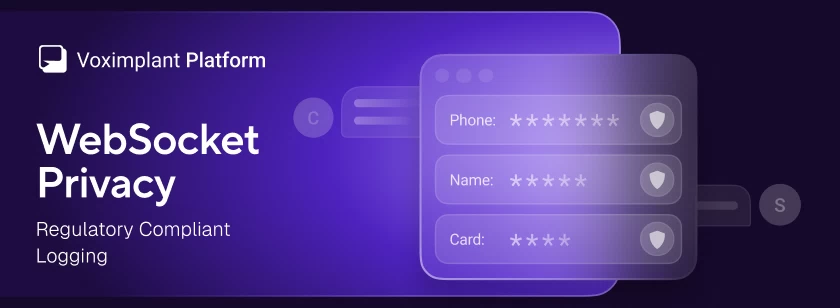
Voximplant has added a WebSocket privacy option that redacts message payloads from logs across all WebSocket-based services – Voice AI connectors and external speech system – and speech control modules
Voximplant now includes a native Deepgram module that connects any Voximplant call to Deepgram’s Voice Agent API for real-time, speech‑to‑speech conversations. You can stream audio from phone numbers, SIP trunks, WhatsApp, or WebRTC into Deepgram’s unified agent environment—combining STT, LLM reasoning, and TTS—and play responses via Voximplant’s serverless runtime with minimal latency.
Voximplant now includes a native Cartesia Line / Agents connector that connects any Voximplant call to a Cartesia Line voice agent for real-time, speech-to-speech conversations—over PSTN, SIP, WebRTC, or WhatsApp Business Calling—without building custom media gateways or WebSocket streaming infrastructure.




 2025-02-14
 72110
72110