Traditionally, companies have used a direct inward dialing service to route calls through an on-premises PBX directly to the internal phone number of an employee. It allows the company to use one physical trunk line to connect multiple employees.
Sign Up for a free Voximplant developer account or talk to our experts
A practical guide to running a compliant voice AI stack on Voximplant: EU data residency, compliance documentation, and what to verify at each layer — telephony, LLM, STT, and TTS
Connect any OpenAI-compatible text LLM to your voice AI pipeline in VoxEngine via Chat Completions or Responses API. Set baseUrl to any provider or your own deployment, including EU endpoints for data residency
Voximplant now includes a native Grok module that connects any Voximplant call to xAI’s Grok Voice Agent API for real-time, speech-to-speech conversations. With a single VoxEngine scenario, you can interact via audio with Grok over phone numbers, SIP trunks and infrastructure, WhatsApp Business, or WebRTC into Grok — all without building custom media gateways or WebSocket streaming infrastructure.
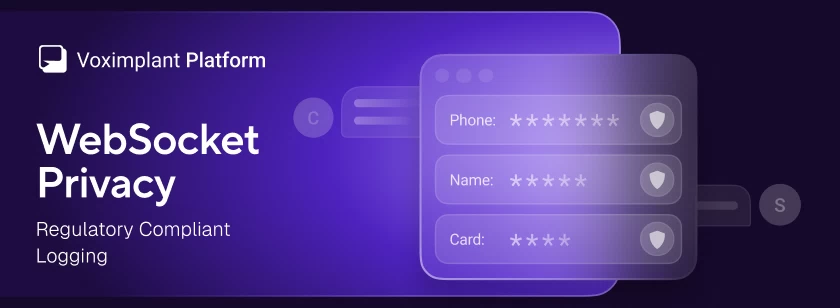
Voximplant has added a WebSocket privacy option that redacts message payloads from logs across all WebSocket-based services – Voice AI connectors and external speech system – and speech control modules
Voximplant now includes a native Cartesia Line / Agents connector that connects any Voximplant call to a Cartesia Line voice agent for real-time, speech-to-speech conversations—over PSTN, SIP, WebRTC, or WhatsApp Business Calling—without building custom media gateways or WebSocket streaming infrastructure.




 2020-10-14
 159798