




Introducing VoxImplant Cookbook
We are going to provide ready-to-use VoxEngine scenarios, How To's and screencasts.
 2014-06-26
 144766
We are going to provide ready-to-use VoxEngine scenarios, How To's and screencasts.
2014-06-26144766
HTTP API is now available to implement scenarios which don't require client applications.
2013-10-02170216

Voximplant has added Secrets, a dedicated credential store for API keys, tokens, and other sensitive values that VoxEngine scenarios need at runtime
2026-04-274391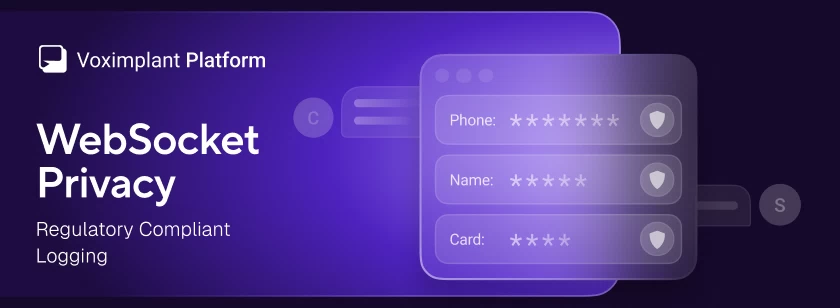
Voximplant has added a WebSocket privacy option that redacts message payloads from logs across all WebSocket-based services – Voice AI connectors and external speech system – and speech control modules
2026-04-234358
Today Ultravox announced they are directly integrating Voximplant into their platform to provide SIP capabilities. The integration builds on Voximplant’s deep telephony and Voice AI tooling
2025-10-2910513
A practical guide to running a compliant voice AI stack on Voximplant: EU data residency, compliance documentation, and what to verify at each layer — telephony, LLM, STT, and TTS
2026-08-063075
OpenAI has recently announced GA version of their Realtime API that Voximplant now fully supports
2025-10-1032381
Voximplant now includes a native MCP Client for VoxEngine, giving developers direct connectivity to any MCP server and full control over every tool call
2026-06-034063
Voximplant AI Agent Skills let your coding agent build and ship voice applications without switching tools
2026-06-113700
Voximplant now includes a native Deepgram module that connects any Voximplant call to Deepgram’s Voice Agent API for real-time, speech‑to‑speech conversations. You can stream audio from phone numbers, SIP trunks, WhatsApp, or WebRTC into Deepgram’s unified agent environment—combining STT, LLM reasoning, and TTS—and play responses via Voximplant’s serverless runtime with minimal latency.
2025-12-1713815